NECL BLOG
Remote IT Support vs On-Site IT Support: Which Does Your Business Actually Need?
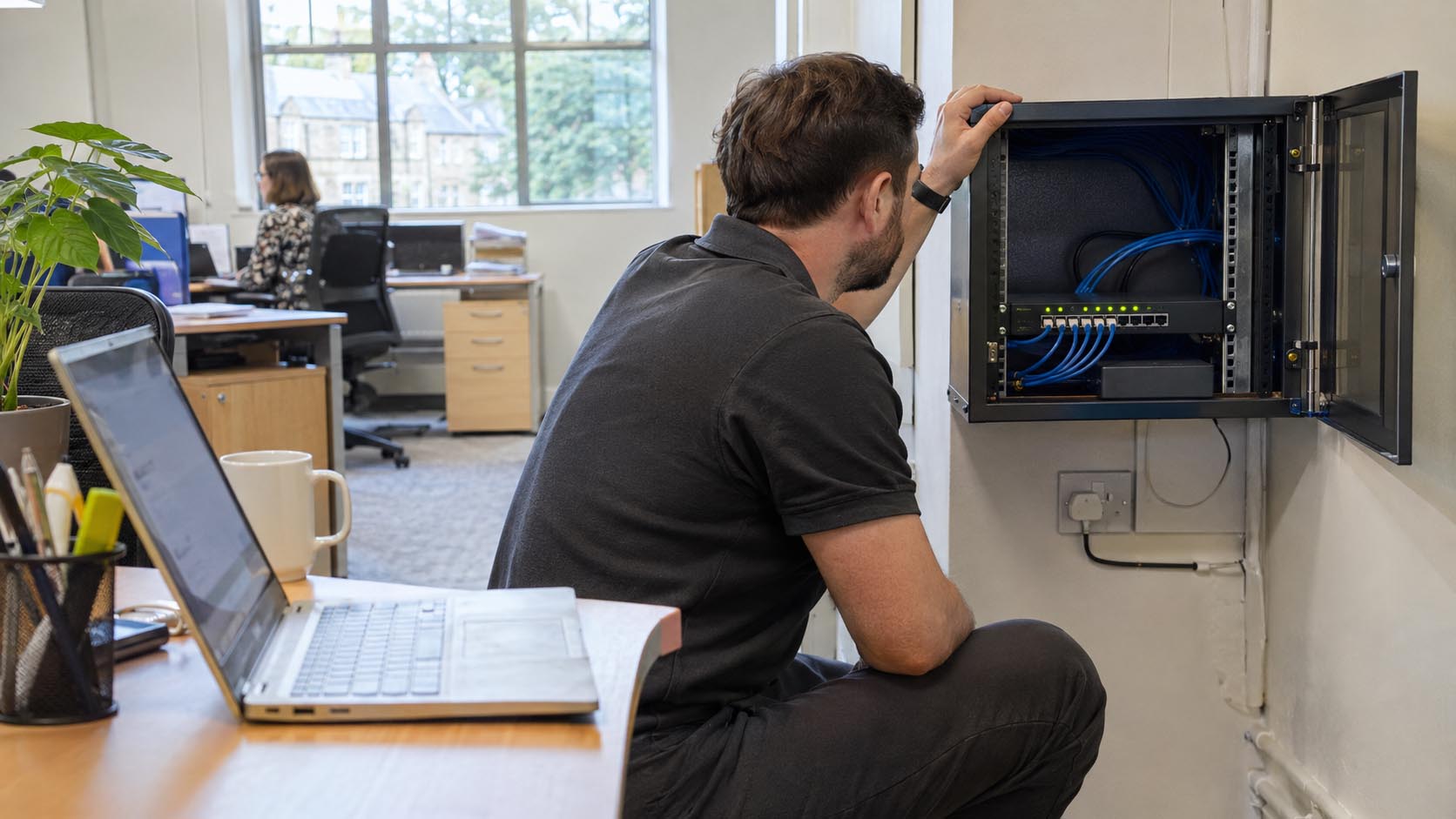
If one member of staff can’t get into Outlook, an IT engineer can often help remotely. If everyone in the office loses their connection at once, the engineer might still start with a phone call, but getting you back online could mean coming in to check the equipment.
Both are common IT problems. The difference is whether the engineer can reach the affected system remotely and whether anything needs to be physically inspected, repaired or replaced. That distinction matters when you’re choosing a business IT support provider and working out what you need covered.
When Remote IT Support Makes Sense
Remote IT support lets an engineer troubleshoot a problem by phone or connect to a device or system over the internet. If a member of staff can show the engineer what’s happening on their screen, they can often get help without waiting for a site visit.
It’s particularly useful for everyday issues such as:
- Email and Microsoft 365 problems
- Account access, password resets and permissions
- Software errors, updates and configuration changes
- VPN and remote working issues, provided there’s a way to connect
- Setting up software and accounts for new starters
For hybrid teams, remote support gives staff a way to get help wherever they’re working. It can also be a useful first step with trickier faults. An engineer might be able to establish, for example, whether a printer problem is down to one person’s settings or whether the whole office has lost access to it.
The main limitation is access. If a computer won’t start, or the office network has gone down and there’s no alternative way to connect, there’s only so much an engineer can check remotely.
When On-Site IT Support Is Worth Having
On-site IT support makes sense when an engineer needs to work directly with your equipment or see how everything is set up. That might mean replacing a faulty network switch, checking why Wi-Fi keeps dropping in one part of the building, or installing equipment ahead of an office move.
A visit is often appropriate for:
- Hardware faults that require testing or replacement
- Network, cabling and Wi-Fi issues that need checking at the premises
- Setting up workstations, network equipment or a new office
- Recurring problems that are difficult to reproduce or diagnose remotely
For a routine software problem that can be resolved remotely, waiting for someone to travel to your office can add avoidable downtime. For a fault that stops several people from working and requires hands-on attention, knowing who can attend and how quickly becomes much more important.
Which Approach Suits Your Business?
Think about the IT issues you’ve dealt with over the past few months. Were they mainly individual problems, like a new starter struggling to access shared files? Or were they issues with equipment or connectivity that affected several people at once?
If most of your staff work from different locations and use cloud-based software, remote IT support may cover most of your day-to-day needs. If your team relies on a shared office network, specialist equipment or systems based at your premises, reliable on-site cover is worth factoring into the agreement.
Many businesses benefit from a mix of both. An engineer can start remotely, work out what’s affected and arrange a visit if the fault needs hands-on attention. If a visit is needed, the engineer who attends should already know what’s been checked, so your team can get on with their day without having to explain the problem again.
How Quickly Can an Engineer Get to Your Office?
A provider’s response time can tell you how soon someone will start looking at a problem. Ask separately how soon an engineer can attend your premises if remote troubleshooting shows that a visit is needed.
What to Ask Before Choosing an IT Support Provider
- What does the agreement cover? Check whether remote support and site visits are included, and whether travel, call-outs or planned installation work are charged separately.
- How quickly will someone respond or attend? Ask about remote response times and on-site attendance separately, particularly for a fault affecting the whole office.
- Who will look after our systems? Find out whether you’ll have a regular point of contact who knows how your business works and can pick up recurring issues.
- What happens if a problem can’t be fixed remotely? Ask who arranges the visit, how it’s prioritised and whether all your premises are covered.
Need Remote or On-Site IT Support?
NECL provides day-to-day remote assistance and on-site support where required. Whether you need occasional help or ongoing support, we can talk through how your staff work, which systems they rely on and what cover makes sense for your business.
If you’re based on Teesside, see our IT support in Middlesbrough.
EXPLORE OUR BUSINESS IT SUPPORT
Or get in touch to discuss your IT support needs.